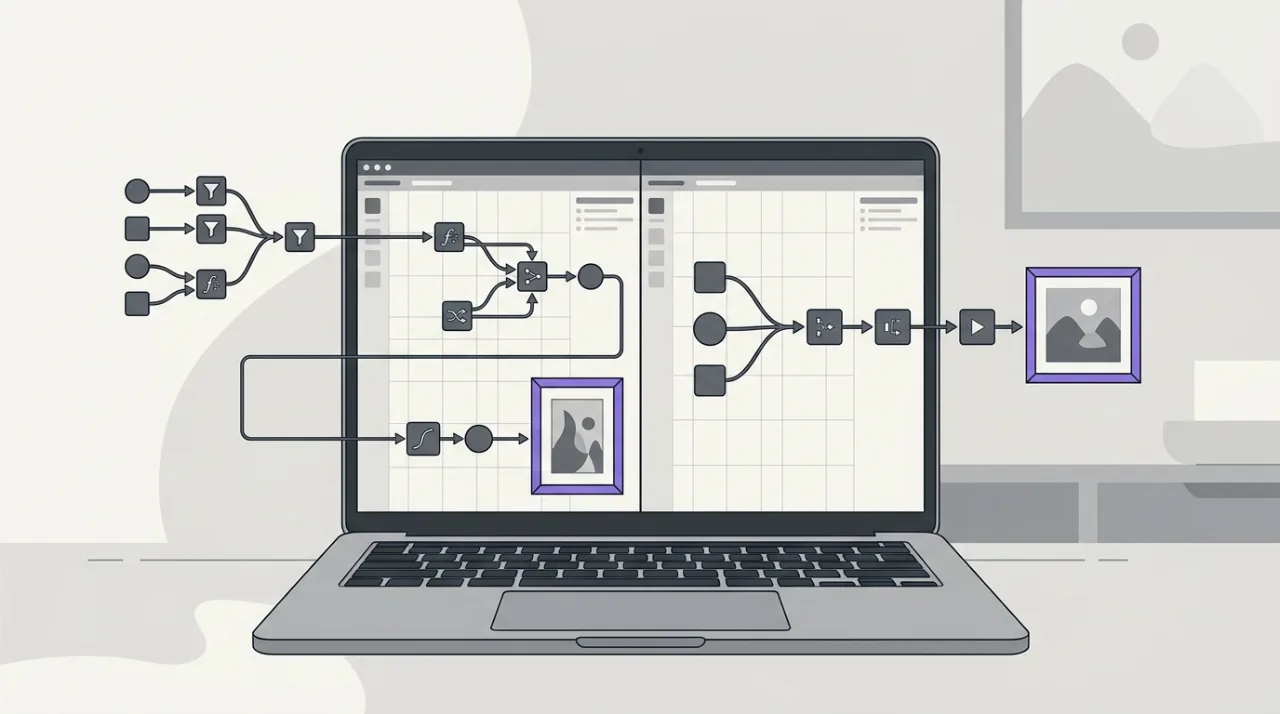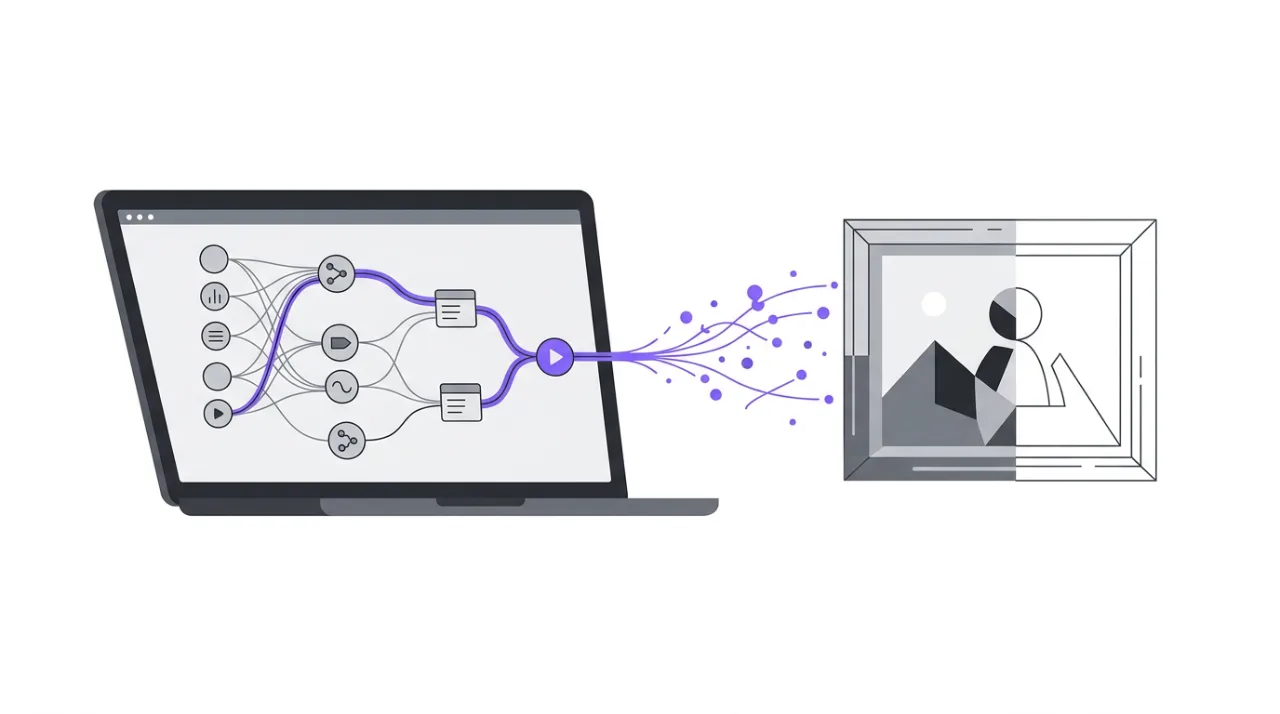
Qwen-Image-2.1 came out on September 20, 2026. Its headline change is the one that matters most on a laptop: the part that draws the picture went from 20.4 billion parameters down to 7 billion. On a 32GB Mac that is the difference between a model you wait on and a model you use.
I ran it in ComfyUI on an Apple M5 MacBook Pro with 32GB, at four quantization levels, and measured how long each image takes and how much memory it really holds. I also checked two things most of the launch coverage repeats without testing: whether the native transparency works, and what the license actually allows.
What actually changed
From the model card and the previous generation's metadata:
| Qwen-Image (previous) | Qwen-Image-2.1 | |
|---|---|---|
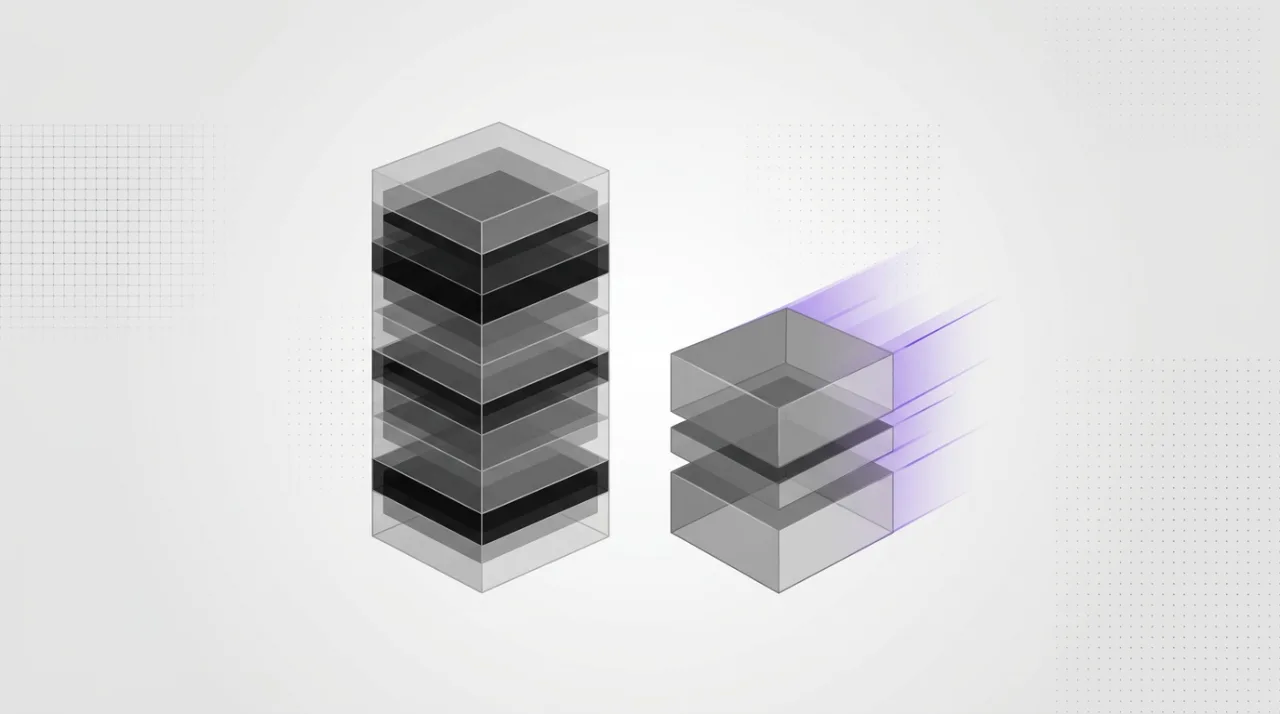
| Visual generator | 20.4B parameters | 7B (32 single-stream DiT layers) |
| Generation, editing, transparency | separate models | one model |
| Transparent (RGBA) output | separate model | native |
| Reference images for editing | — | up to 10 |
| Native resolution | — | 2048 × 2048 |
| Text encoder | Qwen2.5-VL 7B | Qwen3-VL 8B |
The size change is easy to see on disk. The same Q4_K_M quantization of the previous-generation edit model is 12.34GB on my machine; Qwen-Image-2.1 at Q4_K_M is 3.92GB.
The model card also lists "mixed-granularity attention and prefix KV cache reuse" as part of the efficiency work. That is the same KV-cache idea that dominates language model memory, applied to an image model — and ComfyUI exposes a QwenImage21Cache node that can quantize it.
What the license actually says
Most coverage summarizes the license as "no commercial use." That is close, but it blurs a distinction that matters if you intend to ship anything.
The model is released under the Qwen Research License Agreement. It grants a license to use, modify and distribute "the Materials" — defined as the model and its documentation — "for non-commercial purposes only," and defines non-commercial as "research or evaluation purposes only." Commercial use of the model needs a separate license, with a contact address given in the text.
What the license does not do is state plainly whether the images you generate can be used commercially. Outputs appear in only three places: an attribution requirement if you use outputs to train another AI model ("Built with Qwen"), a clause ending your license if you sue over the model or its outputs, and the warranty disclaimer.
I am not going to read a legal answer into that silence, and you should not either. The practical point is narrower: this is not an Apache-2.0 model. If commercial use of any kind is your goal, ask Alibaba before you build on it rather than after — and read the license text yourself.
Running it: nothing from the previous version carries over
If you already run Qwen-Image in ComfyUI, you might expect to swap one file. You cannot. Qwen-Image-2.1 changes the text encoder from Qwen2.5-VL 7B to Qwen3-VL 8B, and ships its own VAE. None of the previous generation's three files are reused.
It also needs a recent ComfyUI. My install was from May 2026, and it had no way to load the new text encoder. After updating, two new nodes appeared — TextEncodeQwenImage21 and QwenImage21Cache — along with official Qwen-Image-2.1 templates for text-to-image, image editing and background removal. If you do not see those, update before you download anything.
The files the official template expects:
| Role | File | Size |
|---|---|---|
| Diffusion model | qwen_image_2.1_int8_convrot.safetensors |
6.8GB |
| Text encoder | qwen3vl_8b_int8_convrot.safetensors |
8.7GB |
| VAE | qwen_image_2.1_vae_bf16.safetensors |
0.6GB |
The text encoder is larger than the model it serves. That matters for memory, and I come back to it below.
Picking a GGUF: check what it was made from
Community GGUF quantizations appeared within a day. They are the reason a 7B model fits comfortably on a laptop, but they are not interchangeable, and download counts are a bad guide.
The most-downloaded repository in a search for "Qwen-Image-2.1-GGUF" — over 180,000 downloads — was the first one I pointed my download script at. When the files came back as 15-byte error pages, I looked at why: that repository name now redirects to ...-Uncensored-GGUF. It is a modified model, not a quantization of the official weights. The download failed only because the path had moved. If it had succeeded, I would have benchmarked a different model and labelled it Qwen-Image-2.1.
Before you download a quantization, open its model card and check the base_model field. A faithful quantization says quantized:Qwen/Qwen-Image-2.1. I used vantagewithai/Qwen-Image-2.1-ComfyUI-GGUF, which does, and which is built for the ComfyUI-GGUF loader. There is also a well-known set by the author of stable-diffusion.cpp, but it is converted for that runtime and may not load in ComfyUI-GGUF.
ComfyUI-GGUF's UnetLoaderGGUF node loaded the 2.1 architecture without any special handling. I checked the output visually rather than trusting that a load without errors meant a working model — a loader can accept mismatched weights and produce noise.
Measuring memory on a Mac: RSS lies when memory is tight
Before the numbers, one thing about how to read them, because it changed what I measured.
The usual way to check how much memory a process uses is resident set size — RSS, what ps reports. On macOS under memory pressure it is badly misleading. When memory runs short, macOS compresses pages instead of evicting them, and compressed pages drop out of RSS even though the process still owns them. Apple Silicon adds a second gap: GPU allocations through Metal are counted separately.
The number that includes both is the process's footprint, which is what the kernel itself uses to judge memory pressure. You can read it with footprint -p <pid>.
How far apart the two drift depends entirely on how much pressure the machine is under. My first test run happened while another project's model and a Docker VM were holding about 21GB between them. Generating a Z-Image Turbo picture then showed a warm-run RSS of 0.67GB against a footprint of 11GB — RSS saw about 6% of what the process actually held, because nearly all of it had been compressed or swapped. That run was also absurdly slow, 82 seconds for a model that normally takes seconds, because every step was paging weights back in.
I stopped both other workloads and measured again. On the clean run, Qwen-Image-2.1 held 7.66GB resident out of a 10GB footprint, so RSS was still low but within reach of the real figure.
So the numbers below report footprint, and I recorded free memory at the start of every run. If you measure image models on a Mac, sample footprint, close everything else, and treat any warm run that is no faster than the cold one as a sign you are measuring swap.
How fast, at each quantization
Four ways to run the same model, all through the same ComfyUI template, same text encoder and VAE. Each setting produced one cold image and three warm ones at 1024 × 1024, 25 steps, with the same prompts and seeds. The table shows the warm median.
| Quantization | File | Per image | Per step | Peak memory |
|---|---|---|---|---|
| Q8_0 (GGUF) | 7.04GB | 238s | 9.5s | 13GB |
| int8 (official) | 6.76GB | 291s | 11.7s | 13GB |
| Q4_K_M (GGUF) | 3.92GB | 309s | 12.4s | 10GB |
| Q6_K (GGUF) | 5.44GB | 345s | 13.8s | 12GB |
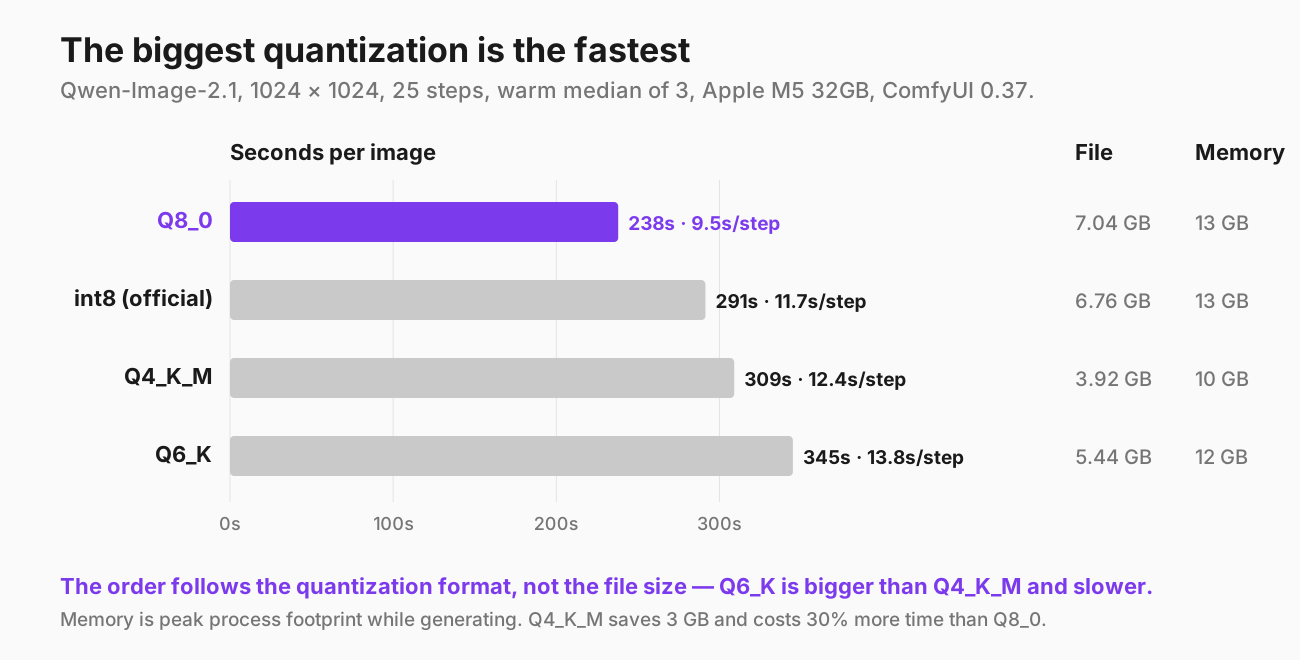
The largest file is the fastest, and the order does not follow file size. Q8_0 is the biggest quantization I tested and the quickest by a wide margin. Q6_K sits between Q4_K_M and Q8_0 in size and is slower than both. Every warm run landed within about 2% of the others in its group, so this is not noise.
That Q6_K result rules out the obvious explanation. If memory bandwidth were the bottleneck, time would track bytes, and Q6_K would land between Q4_K_M and Q8_0. It does not.
The explanation that fits is the cost of unpacking the weights. ComfyUI-GGUF dequantizes on the fly during generation. Q8_0 is the simplest GGUF block format: 8-bit values and one scale per block. The K-quants (Q4_K_M, Q6_K) pack weights into super-blocks with nested scales, which save space and take more work to unpack. Q6_K's 6-bit packing is the most awkward of the three. I have not profiled this, so treat it as the explanation that matches the data, not a confirmed cause.
The official int8_convrot file loads through ComfyUI's standard UNETLoader, not the GGUF loader, and lands in the middle at 291 seconds.
On memory, peak footprint ran from 10GB for Q4_K_M to 13GB for Q8_0, text encoder included. All four leave plenty of headroom on 32GB.
Does quantization change the picture?
Barely. With the same seed, all four quantizations produced nearly the same image: the same composition, the same camera angle, the same brickwork.
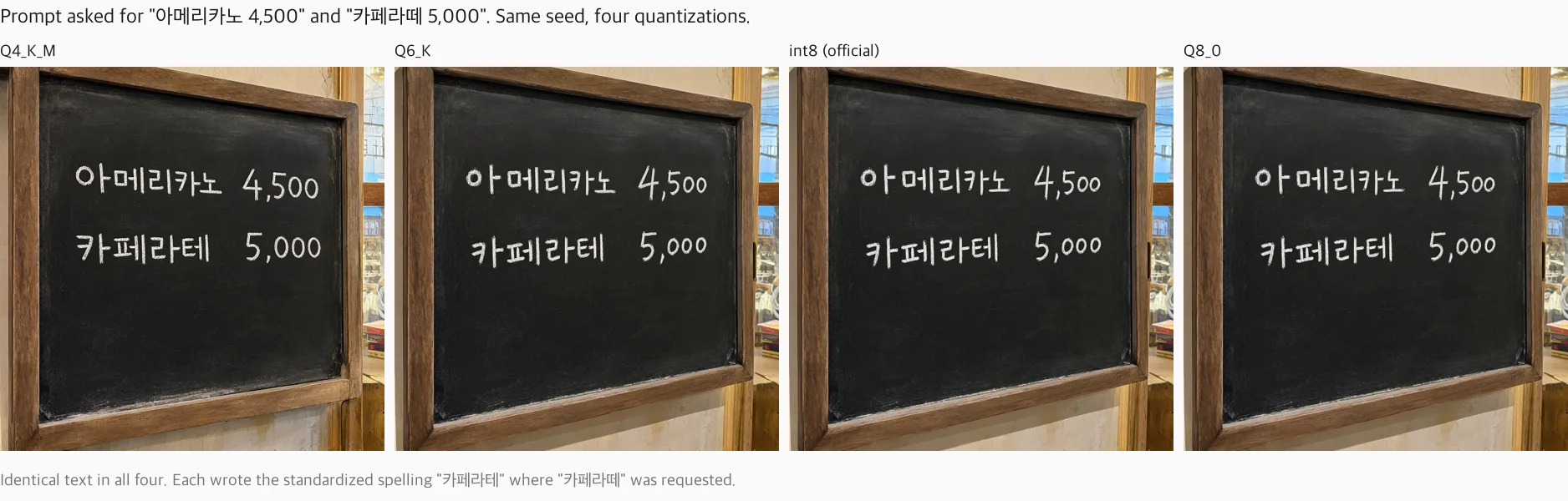
Text rendering makes the comparison objective, because a word is either spelled right or it is not. I asked for a shop sign reading "AUTOMATONE COFFEE" and a Korean café menu reading "아메리카노 4,500" and "카페라떼 5,000".
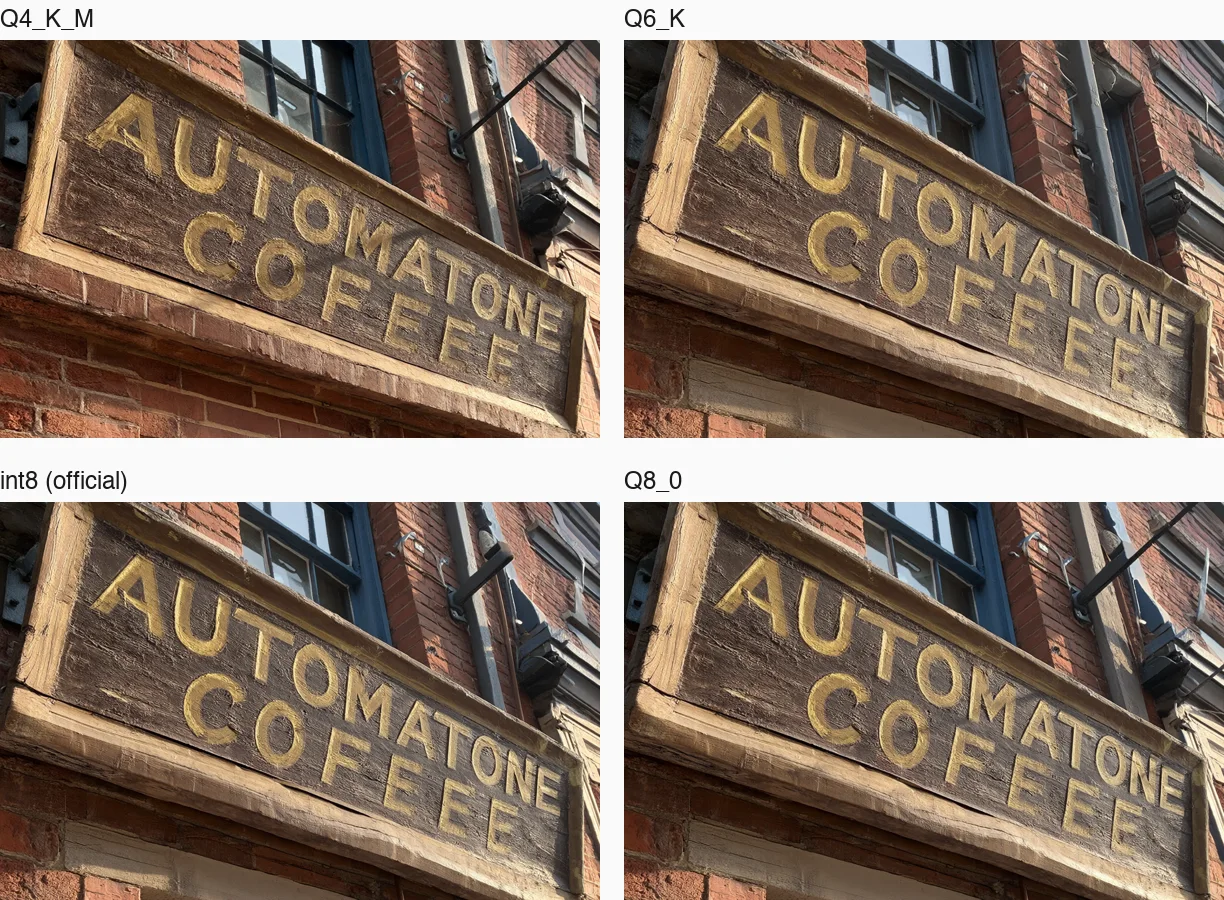
Same seed, four quantizations. The prompt asked for "AUTOMATONE COFFEE".
- The English sign was wrong in all four, in the same way. "AUTOMATONE" came out correct. The second word came out as COFEEE, with an E where the second F should be. Q8_0 and the official int8 file made exactly the same mistake as Q4_K_M.
- The Korean menu was identical in all four. "아메리카노 4,500" was exact, including the thousands separator. Where I asked for "카페라떼", every quantization wrote "카페라테". That happens to be the officially standardized Korean spelling of latte, where "카페라떼" is the common colloquial one, but it is not what I asked for.
So at this seed, the text mistakes belong to the model, not to the quantization, and Q4_K_M renders text as well as Q8_0.
The one visible difference: Q6_K, int8 and Q8_0 are close to identical, while Q4_K_M drifts slightly — a different crop of the chalkboard frame, slightly different handwriting. It keeps the same content. That fits Q4_K_M being the lossiest of the four.
Native transparency: it works, at enough steps
The model card's transparency claim holds up, with a condition the launch coverage does not mention.
You switch it on with the prompt. Wrap your description as the model card specifies — "This is an RGBA image with transparency. [subject]. The image has alpha channel and the background is transparent." — and save as PNG. The ComfyUI template's note uses slightly different wording; I used the model card's.
What matters is the step count. I generated the same sticker twice with the same seed and the same Q8_0 model, changing only the number of steps, then counted pixels whose alpha falls in the visibly see-through range (16–239 out of 255):
| Steps | Visibly semi-transparent pixels |
|---|---|
| 8 | 10.2% |
| 25 | 0.4% |
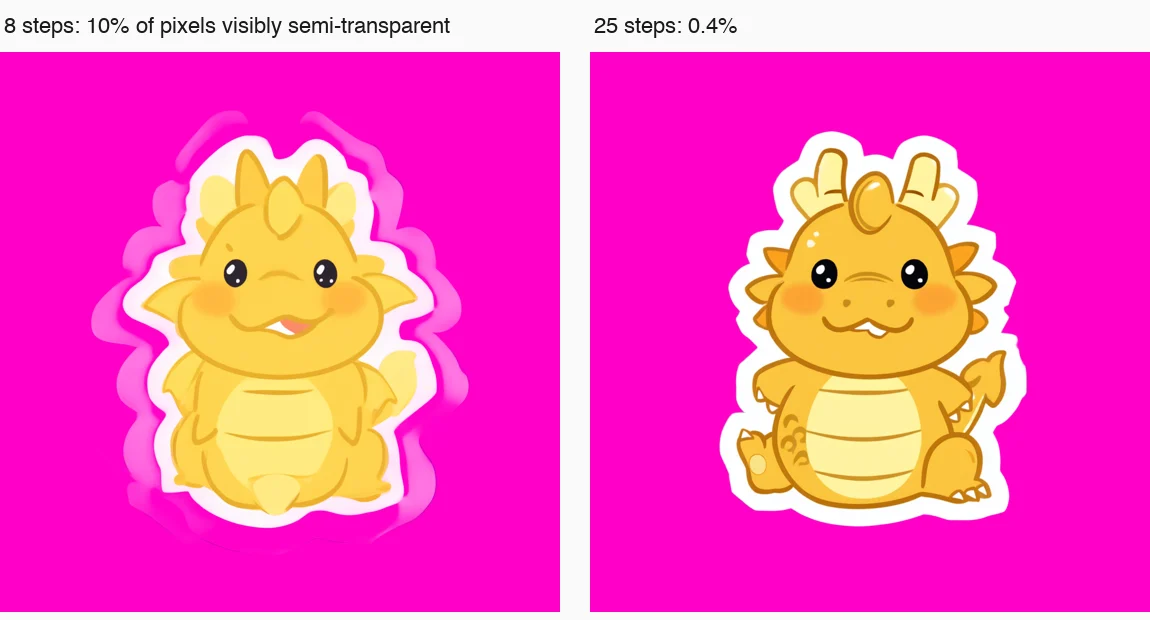
At 8 steps, the subject sits inside a fuzzy, semi-transparent halo that shows up the moment you put it on a colored background. At 25 steps it is a clean cut-out, and the 0.4% is just the anti-aliased edge you would want. If you use a fast, few-step setup for transparency, you will get the halo.
Two practical notes:
- The "empty" background is not quite empty. At 25 steps, about 38% of the pixels have an alpha between 1 and 15, not exactly 0. You cannot see this when you composite normally. It matters if you feed the image to anything that treats any alpha above zero as "keep" — a sticker cutter, a mask, a vectorizer — because it will keep a large, nearly invisible rectangle. Threshold the alpha before using it as a cut-out.
- It cuts out; it does not simulate glass. A glass perfume bottle came out cleanly separated from its background, but the glass itself was rendered as solid, not see-through. RGBA mode isolates the subject. It does not model physical transparency.
One more oddity: even an ordinary prompt with no transparency wording produced a four-channel RGBA PNG. The alpha was about 98% fully opaque, with the rest just short of opaque at the edges. It is harmless, but worth knowing if a downstream tool expects RGB.
Against the previous generation, on the same Mac
I ran the previous generation — Qwen-Image-2512, 20.4B parameters — on this exact machine in July, at the same Q4_K_M quantization and 1024 × 1024.
| Qwen-Image-2512 (July) | Qwen-Image-2.1 | |
|---|---|---|
| Visual generator | 20.4B | 7B |
| Q4_K_M file | 12.34GB | 3.92GB |
| Time per step | ~40.6 s | 12.4 s (Q8_0: 9.5 s) |
That is 3.3× faster per step at the same quantization, and 4.3× if you move to Q8_0. Most of the published coverage stops at "7B instead of 20B," so it is worth being precise about where this number comes from.
Part of it is compute: 2.9× fewer parameters to push through each step. Part of it is memory. In July the older model and its text encoder together took more than 20GB, and the machine was swapping the whole session. Qwen-Image-2.1 fits. I cannot separate the two effects from these measurements, and on a 32GB Mac it does not much matter which one you credit — both follow from the size cut.
I compare per step rather than per image because the step counts differ. The July runs used 40 steps; the ComfyUI template for 2.1 defaults to 25.
So which one should you run?
On a 32GB Mac, Q8_0. It is the fastest of the four, it is the closest to the full model, and at a 13GB peak it leaves plenty of room. The instinct to pick the smallest file works against you here: Q4_K_M saves 3GB of memory and costs about 30% more time per image, and Q6_K is worse on both counts.
Q4_K_M makes sense only if memory is what you are short of. At a 10GB peak it is the one most likely to fit on a 16GB machine — but I did not test a 16GB Mac, so treat that as a reasonable guess rather than a result.
Use at least 25 steps if you want transparent output. The official pipeline recommends 40–50 steps for quality. The ComfyUI template's 25 is the practical floor for clean alpha, and at 9.5 seconds a step, 25 steps on Q8_0 is about four minutes an image.
FAQ
Is there a Lightning (few-step) LoRA for Qwen-Image-2.1?
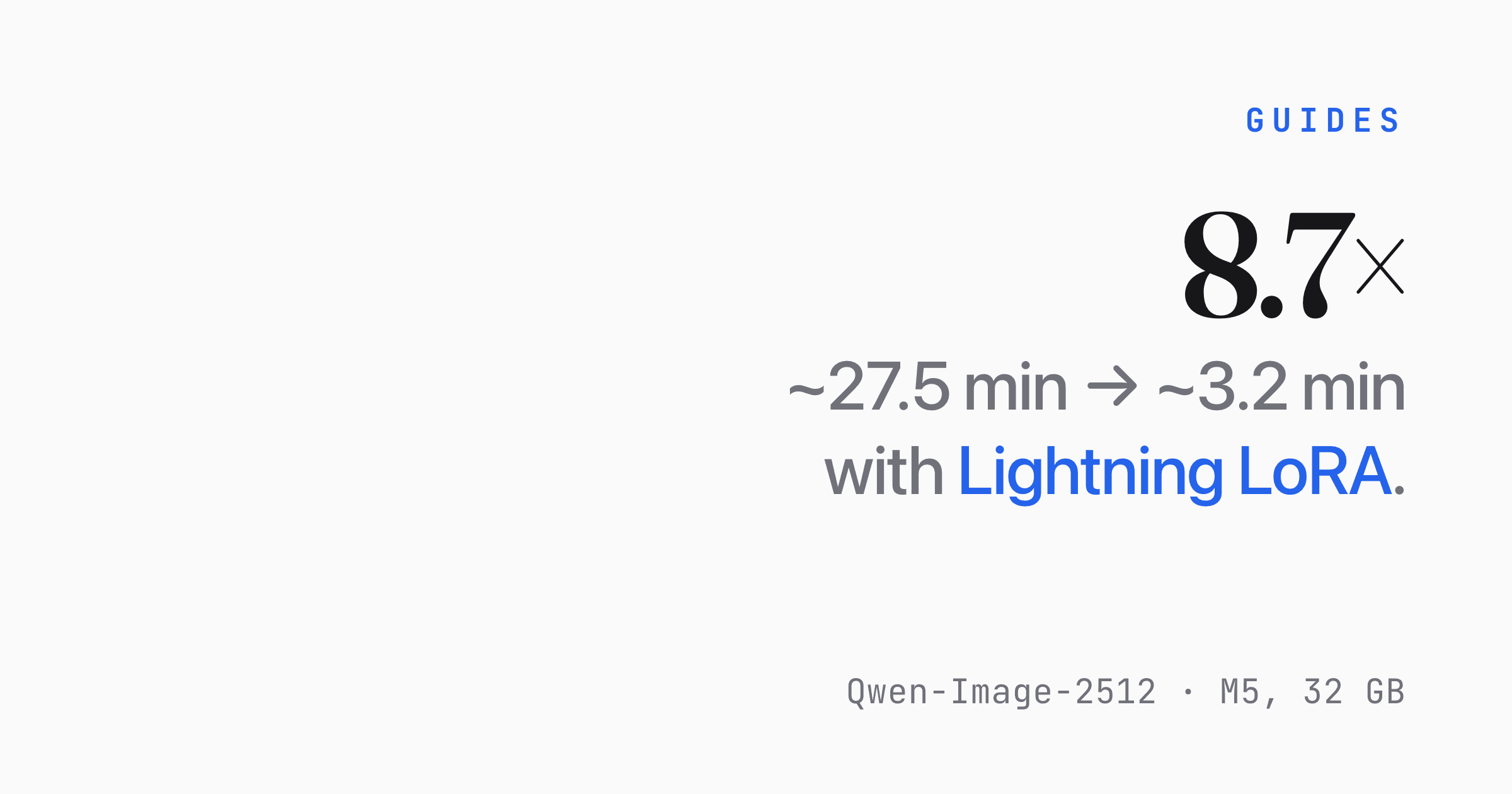
I did not find one on Hugging Face at the time of writing. For the previous generation, a 4-step Lightning LoRA cut per-image time 8.7× on this same Mac, so if one appears it will be the biggest speed lever by far. Check transparency before trusting it, though. In my runs, cutting steps from 25 to 8 is exactly what produced the halo.
Can I use the images commercially?
The license restricts commercial use of the model and does not address the images you generate. See the license section above. If commercial use matters to you, ask Alibaba before you build on it.
Why not generate at the native 2048 × 2048?
You can, and the model is built for it, but it is four times the pixels of 1024 × 1024. I measured at 1024 because that is the template default and what most people will run first. I have no 2048 numbers to give you.
Does the text encoder stay in memory the whole time?
Not entirely. The Q8_0 model file plus the int8 text encoder add up to about 15.7GB on disk, while peak footprint was 13GB. ComfyUI offloads part of the encoder once the prompt is encoded. That is why the text encoder being larger than the model is survivable on 32GB.
Do these numbers transfer to an NVIDIA GPU?
The quality results should. The speed ranking may not. The Q8_0-first ordering comes from how ComfyUI-GGUF unpacks weights on Apple Silicon, and CUDA kernels for K-quants are far more mature. On an NVIDIA card, measure before assuming Q8_0 wins.
References
- Model card, architecture and transparency prompt format: Qwen/Qwen-Image-2.1
- Previous generation's parameter count (20.4B), from Hugging Face safetensors metadata: Qwen/Qwen-Image
- License text: Qwen Research License Agreement
- ComfyUI packaging and file names: Comfy-Org/Qwen-Image-2.1
- GGUF quantizations used: vantagewithai/Qwen-Image-2.1-ComfyUI-GGUF (
base_model: Qwen/Qwen-Image-2.1) - GGUF loader: ComfyUI-GGUF
- Measurements: Apple M5 MacBook Pro 32GB, macOS 26.6.2, ComfyUI 0.37.0, 2026-09-23